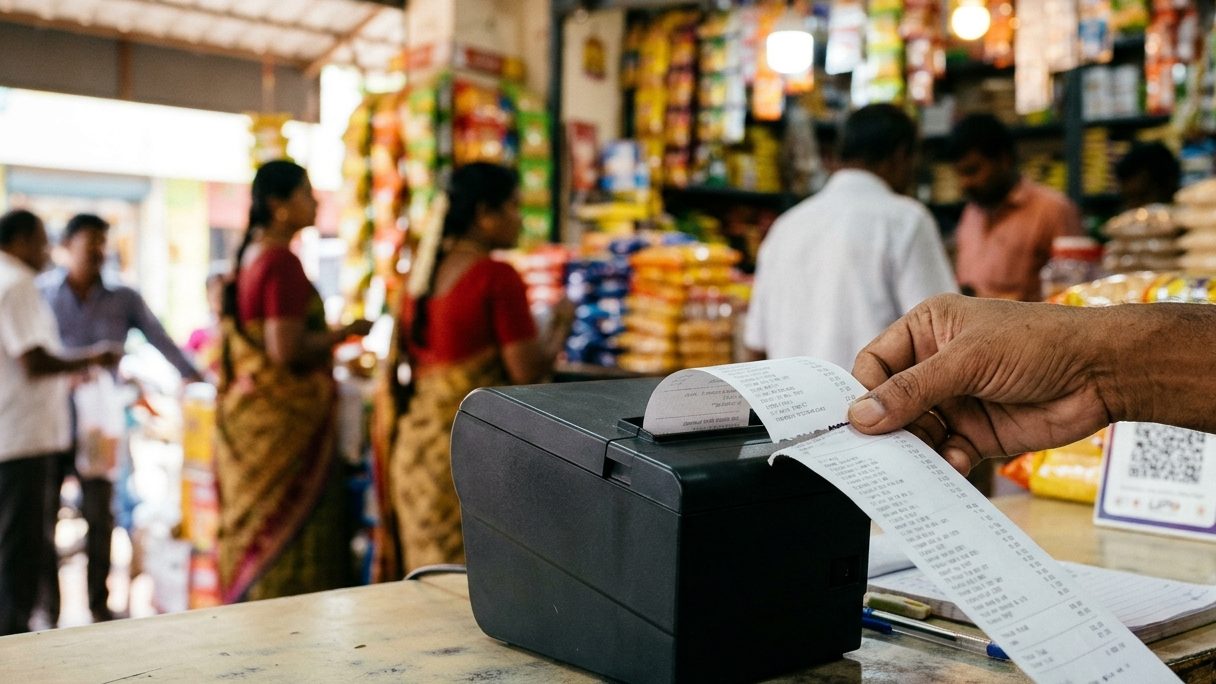
Most receipt printers only have English letters built in, so Tamil sent as text comes out as "????". The fix is software that draws the Tamil text as a picture and sends that picture to the printer — then any 58 mm or 80 mm thermal printer prints clear Tamil.
Why Tamil prints as ????
Thermal receipt printers have small fonts stored inside them — usually English, numbers and a few symbols. When billing software sends the word "அரிசி" as text, the printer has no Tamil letters to draw, so it prints question marks or junk.
Tamil is also hard to draw: letters join and change shape (கொ, க்ஷ). Even printers that claim "Indian language" support often get these joins wrong.
The fix: print Tamil as an image
Good billing software shapes the Tamil text on your computer, using a proper Tamil font, and sends it to the printer as a small picture line. The printer only has to print dots, which every thermal printer can do. The bill looks sharp and the letters join correctly.
Doing it in Billman
- Add the Tamil name in each product’s "Regional Name" field — or bring them all in from Excel.
- Go to Print & Design ▸ Receipt ▸ Regional Language and set "Item name language on the bill".
- Pick Regional (Tamil only), Both (English with Tamil underneath) or English only.
- Print a test bill on your 58 mm or 80 mm printer.
"Both" is the favourite in most shops: the cashier reads English, the customer reads Tamil.
The same works for Hindi, Telugu, Kannada and Malayalam names.
 ▶Watch: import products from Excel (தமிழ்)Bring in Tamil names for all items at once — 2:43✨In BillmanTamil bills on any thermal printerSee how it works →
FAQ
Do I need a special printer for Tamil bills?
No. Because the Tamil text goes as an image, any ESC/POS thermal printer works — 58 mm or 80 mm.
Will printing in Tamil slow down billing?
No. The image is made on the PC in a fraction of a second.
Can I type product names in Tamil?
Yes — type them in the Regional Name field, or paste them into the Excel import sheet.
Print clear Tamil bills today
7 days free. We set it up and move your data — free.