Treat every size–colour combination as its own item with its own barcode and stock. Enter them once as a grid, print barcode tags, scan at billing, and read a size × colour stock report to reorder only what sells.
The problem with one "Shirt" item
If "Cotton shirt" is one item with 120 pieces, you never know that the 40-size blue sold out last week while 20 pieces of 46-size maroon have not moved in months. Customers ask for a size you do not have, and money sits in sizes nobody buys.
One item per size and colour
A shirt in 5 sizes and 4 colours becomes 20 variants. Each has its own code, barcode and stock — but you still see them together under one product.
| Colour | 38 | 40 | 42 | 44 |
|---|---|---|---|---|
| Blue | 6 | 0 | 9 | 4 |
| White | 8 | 5 | 7 | 2 |
| Maroon | 3 | 4 | 1 | 11 |
A size × colour stock grid shows the gaps at a glance — here, 40-size blue is sold out.
Setting it up
- Enter the product once and tick the sizes and colours — the grid makes all variants.
- Print barcode tags for each variant and stick them on the pieces.
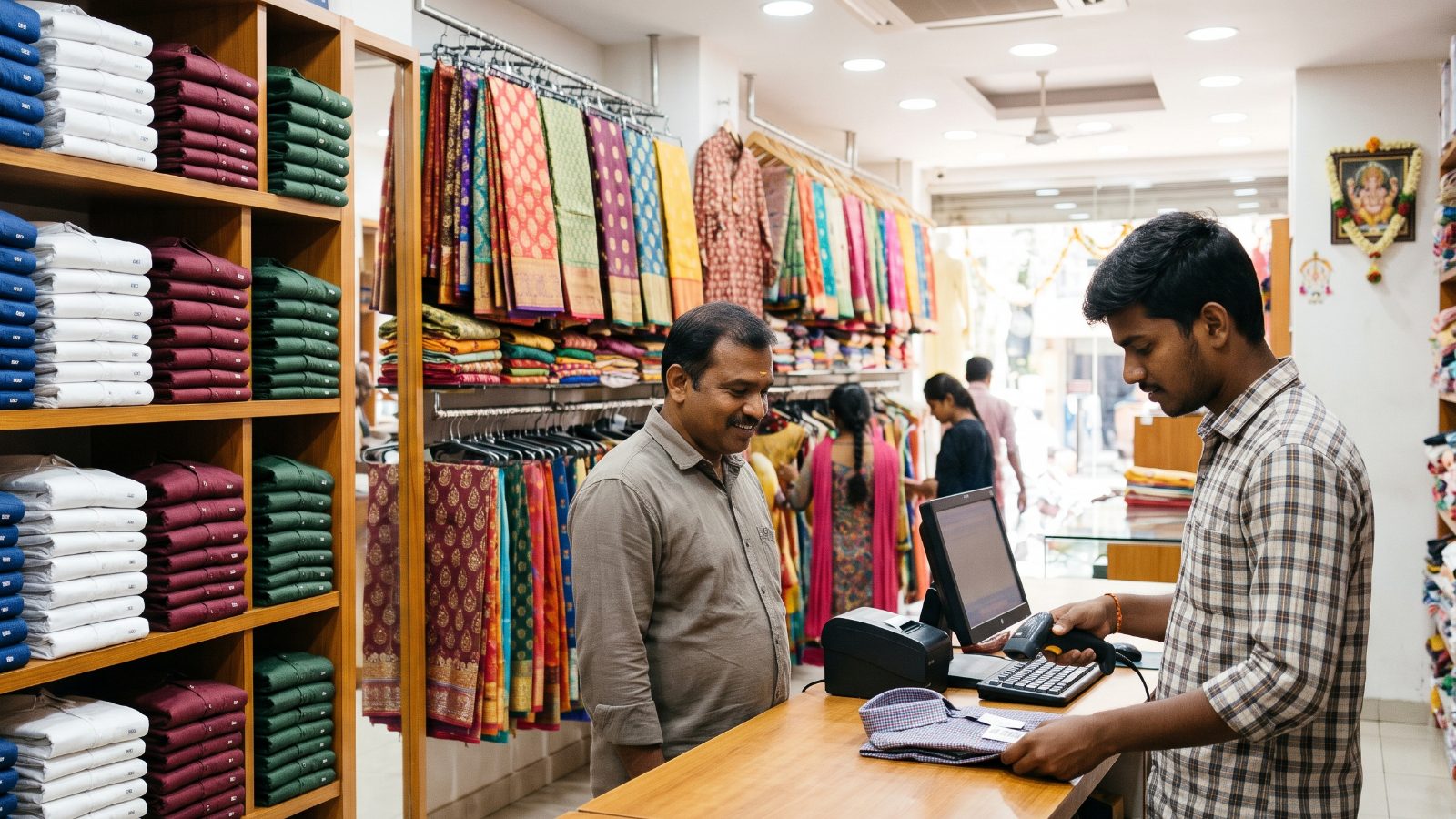
- Scan the tag at billing — the right size and colour comes off stock.
- Check the size × colour stock report every week before reordering.
In Billman
Turn on variants in Settings ▸ Products. Each size/colour gets its own code, an automatic EAN-13 barcode and its own stock (or one shared stock pool if you prefer), with a matrix grid for entry and a Size & Colour Stock report.
✨In BillmanBillman for textile & garment shopsSee how it works →FAQ
Does every size need its own barcode?
Yes, if you want correct stock. Scanning the variant barcode tells the system exactly which size and colour was sold.
Can I print barcode labels for variants?
Yes — Billman makes an EAN-13 barcode for each variant and prints tags.
What if I do not want separate stock per size?
You can keep one shared stock on the main product and still bill by size.
Know every size you have in stock
7 days free. We set it up and move your data — free.