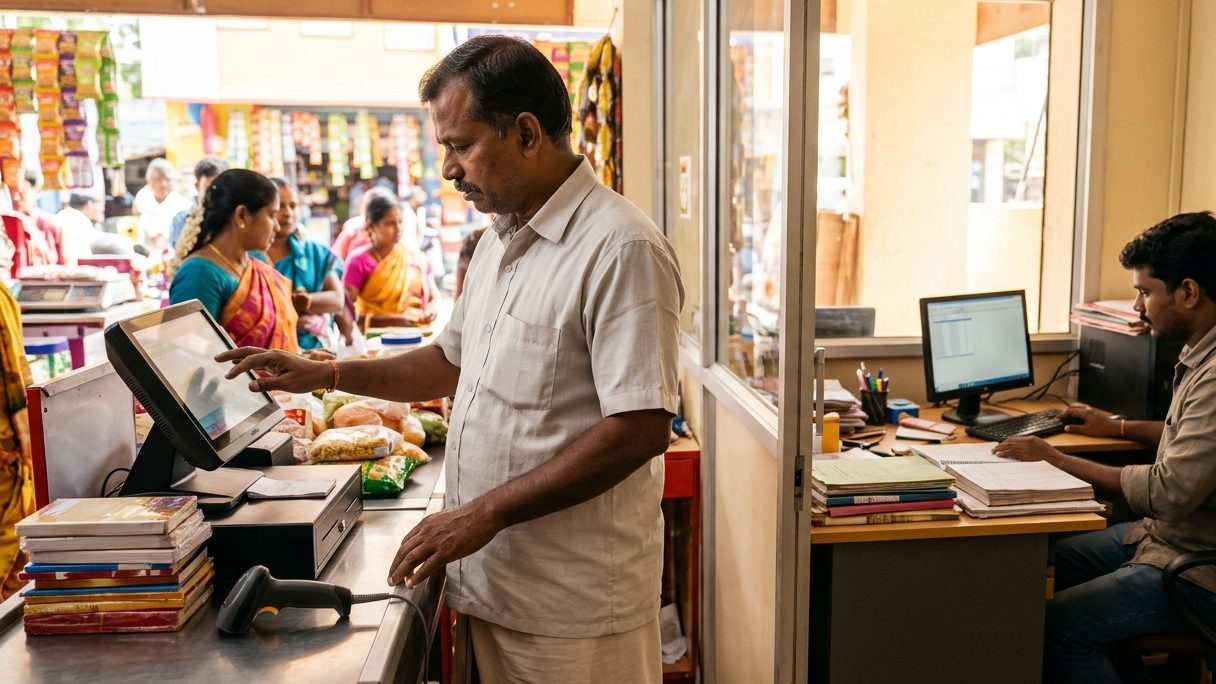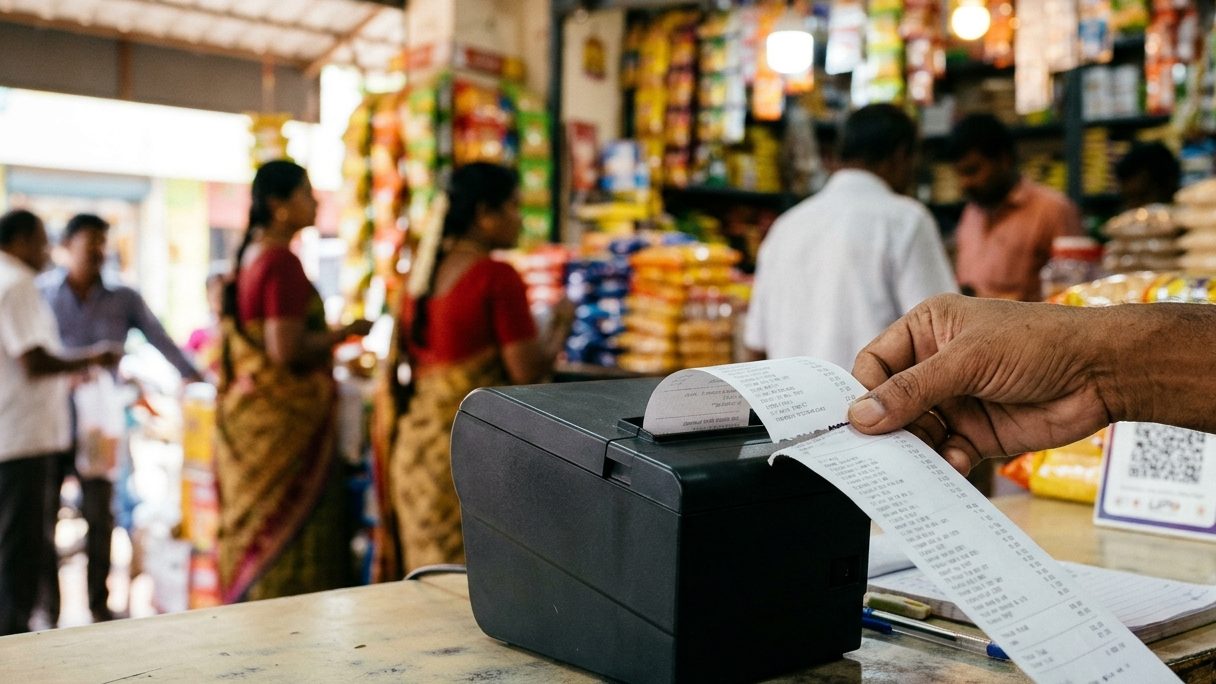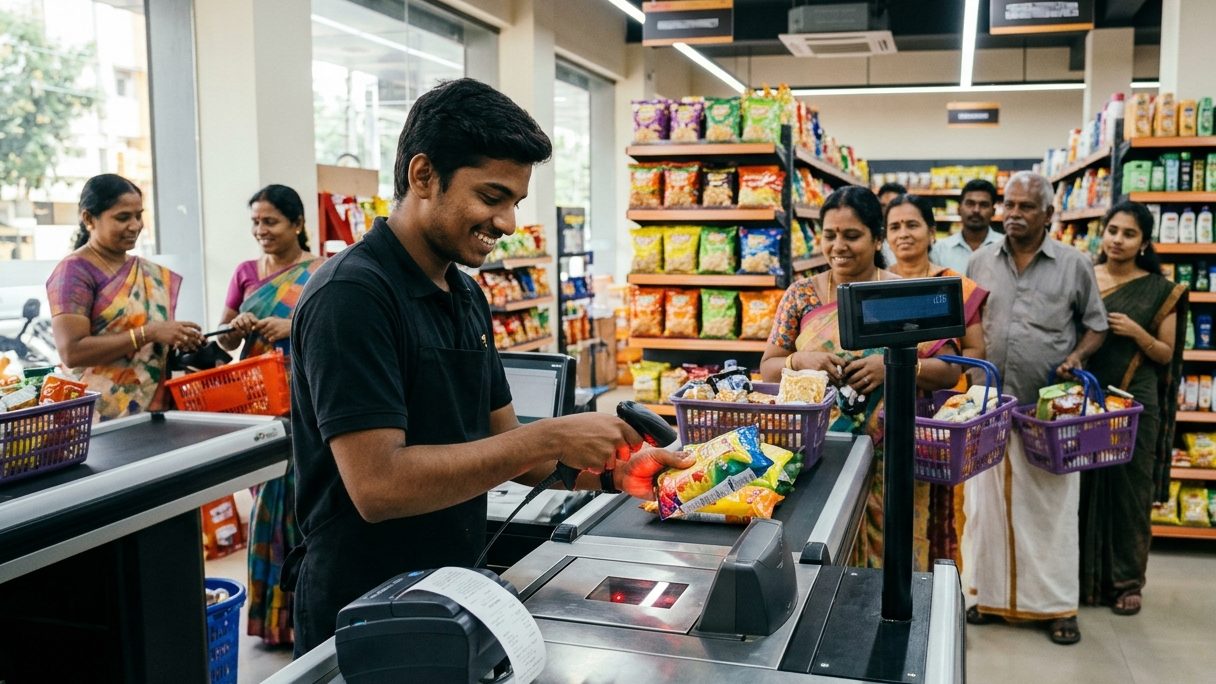
Test it at your own counter with your own items. The software must bill fast from a barcode scanner, keep working when the internet goes, print clear bills (in Tamil if your customers want it), handle loose items sold by weight, and give you stock and GST reports without extra work.
Every software looks good in a sales video. The difference shows on a busy Saturday evening, with a queue at the counter and the internet down. Take this checklist to every demo and tick it off with your own products.
1. Billing speed with a barcode scanner
Scan ten items one after another. Each scan should add the line instantly and the same item scanned twice should increase the quantity, not add a new line. Ask how fast it is with 10,000 products loaded, not 50.
2. It must bill without internet
A cloud-only system stops billing when the connection drops. For a supermarket that means lost sales. Pick software that runs on your counter PC and syncs when the internet is back.
3. Loose items and weighing scales
Rice, dal, vegetables and sweets are sold by weight. Check that you can bill 1.25 kg at ₹64/kg and get ₹80 exactly, and that labels printed by your weighing scale scan straight into the bill.
4. Bills your customers can read
Many customers in Tamil Nadu prefer item names in Tamil. Ask the vendor to print a real bill with Tamil names on your thermal printer — not a screenshot. If it prints "????", the software sends Tamil as text and your printer cannot draw it.
5. More than one counter
When you add a second counter, both must share the same stock and the same bill series without clashing. Ask how two PCs connect — over your shop network (LAN) is the most reliable.
6–10. The rest of the list
| Check | What to ask in the demo |
|---|---|
| 6. GST | Is CGST/SGST split on every bill? Is GSTR-1 ready at month end? |
| 7. Stock alerts | Does it warn before an item runs out? Can I see slow movers? |
| 8. Offers | Buy 2 get 1, combo prices, MRP and selling price both on the bill? |
| 9. Credit customers | Can I see who owes how much, and send them a reminder? |
| 10. Moving in | Can my products and parties come in from Excel? Who helps? |
Ask for the yearly price including GST, and what happens when you add a user or a counter. Cheap first-year prices often double at renewal.
How Billman does on this list
Billman runs on your Windows PC and bills without internet, prints Tamil item names on 58 mm and 80 mm thermal printers, reads weighing-scale barcode labels, connects counters over LAN, and imports products and parties from Excel. Plans start at ₹3,799 a year plus GST.
 ▶Watch: billing fast in Super POS (தமிழ்)Make a sale at the counter — 2:33✨In BillmanBillman for supermarketsSee how it works →
FAQ
Is offline billing software better for a supermarket?
Yes, if your internet is not perfect. Offline software keeps billing during outages and syncs later, so the queue never stops.
How much does supermarket billing software cost in India?
Most cost between ₹3,000 and ₹15,000 a year for one counter. Check the price including GST and the renewal price.
Can I move my products from my old software?
Usually yes — export to Excel from the old software and import into the new one. Ask the vendor to do it with you.
Try Billman at your own counter
7 days free. We set it up and move your data — free.